How to Create a New Collaboration Request
Creating a New Collaboration Request is simple.
Once your Business Listing is approved, you will be able to create a Collaboration Request.
From your User Dashboard, select Create Collaboration Request.
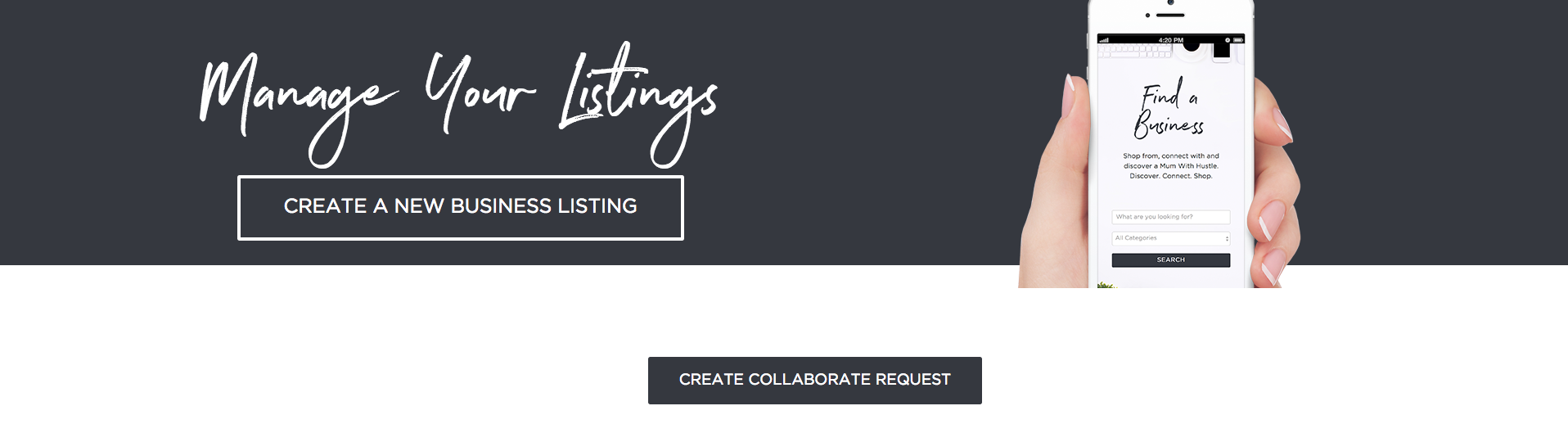
Clicking the Create Collaboration Request button will bring you to a new page with a short form that you will need to fill out.
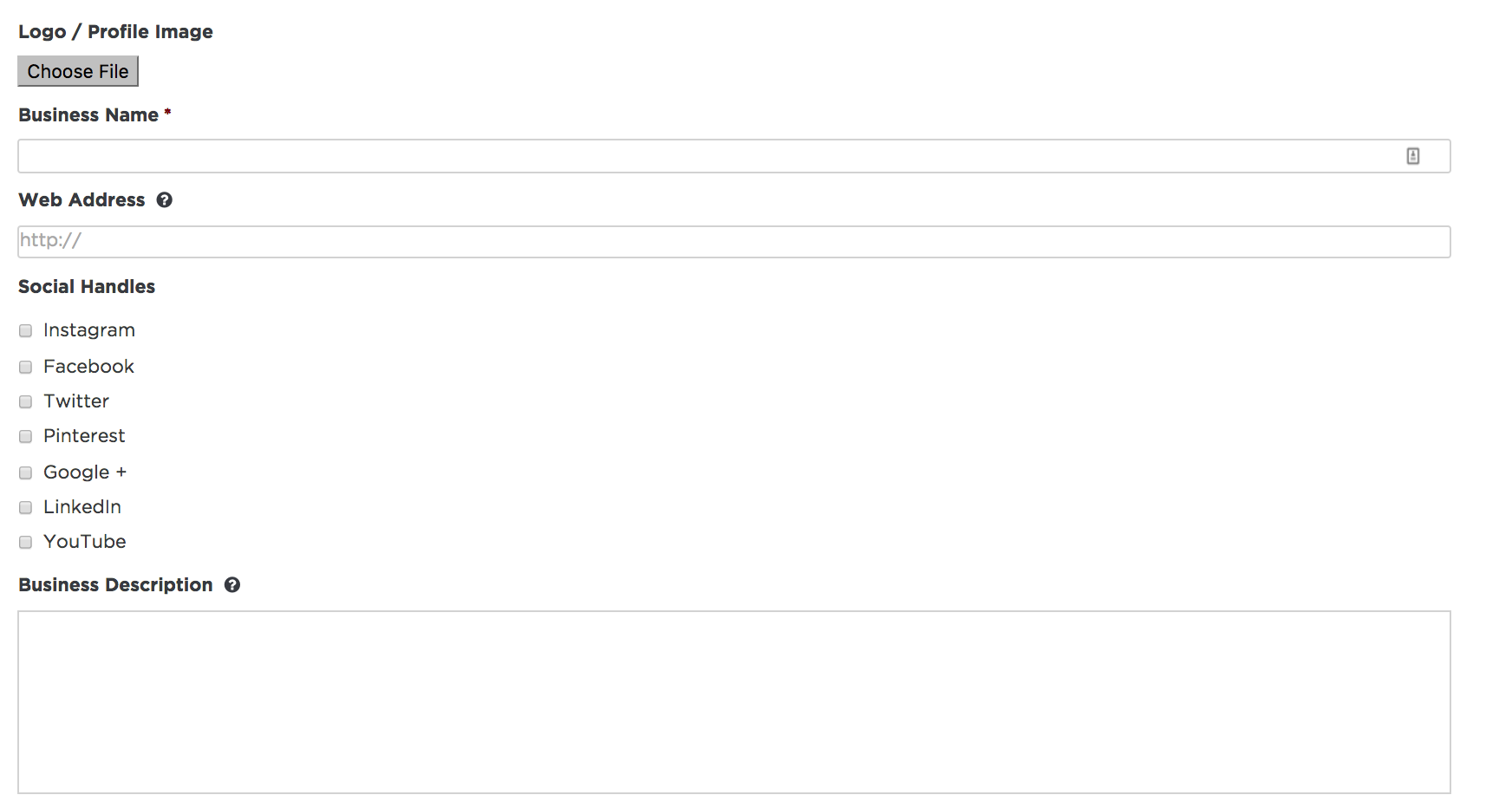
Here's the information you'll need to include:
- Add a Logo or Profile Image.
- Include your Business Name.
- Add your Website.
- Make sure you include "http://" before your link (if applicable).
- Add your Social Handles (if applicable).
- Include a Business Description.
- This is so mums understand your biz and who they will be collaborating with.
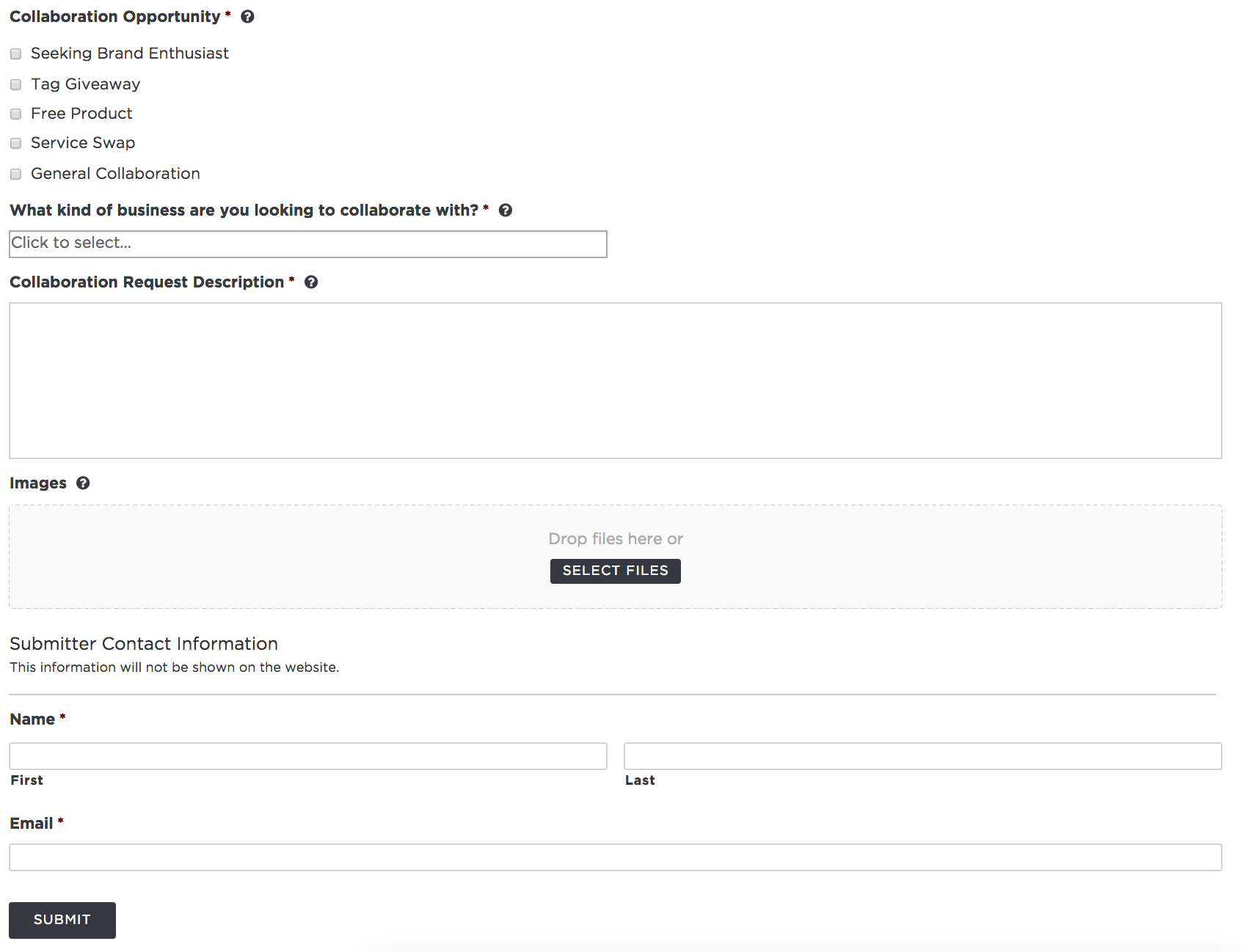
- Select your Collaboration Opportunity.
- If your opportunity is not listed, select General Collaboration.
- Select what kind of business you are looking to collaborate with from the drop-down menu.
- Include a Collaboration Request Description.
- You should be clear and specific about your collaboration. The more specific you are the more suited your potential collaboration partners will be. Answer these questions:
- What are you looking for?
- What are your expectations?
- What is involved for both parties?
- You should be clear and specific about your collaboration. The more specific you are the more suited your potential collaboration partners will be. Answer these questions:
- Add any relevant Images like Product/Service pictures.
- Click Submit to get collaborating!
Below is what the New Collaboration Request looks like: